
How I Built a Custom, Reliable AI Chatbot for My Next.js Portfolio 🤖✨
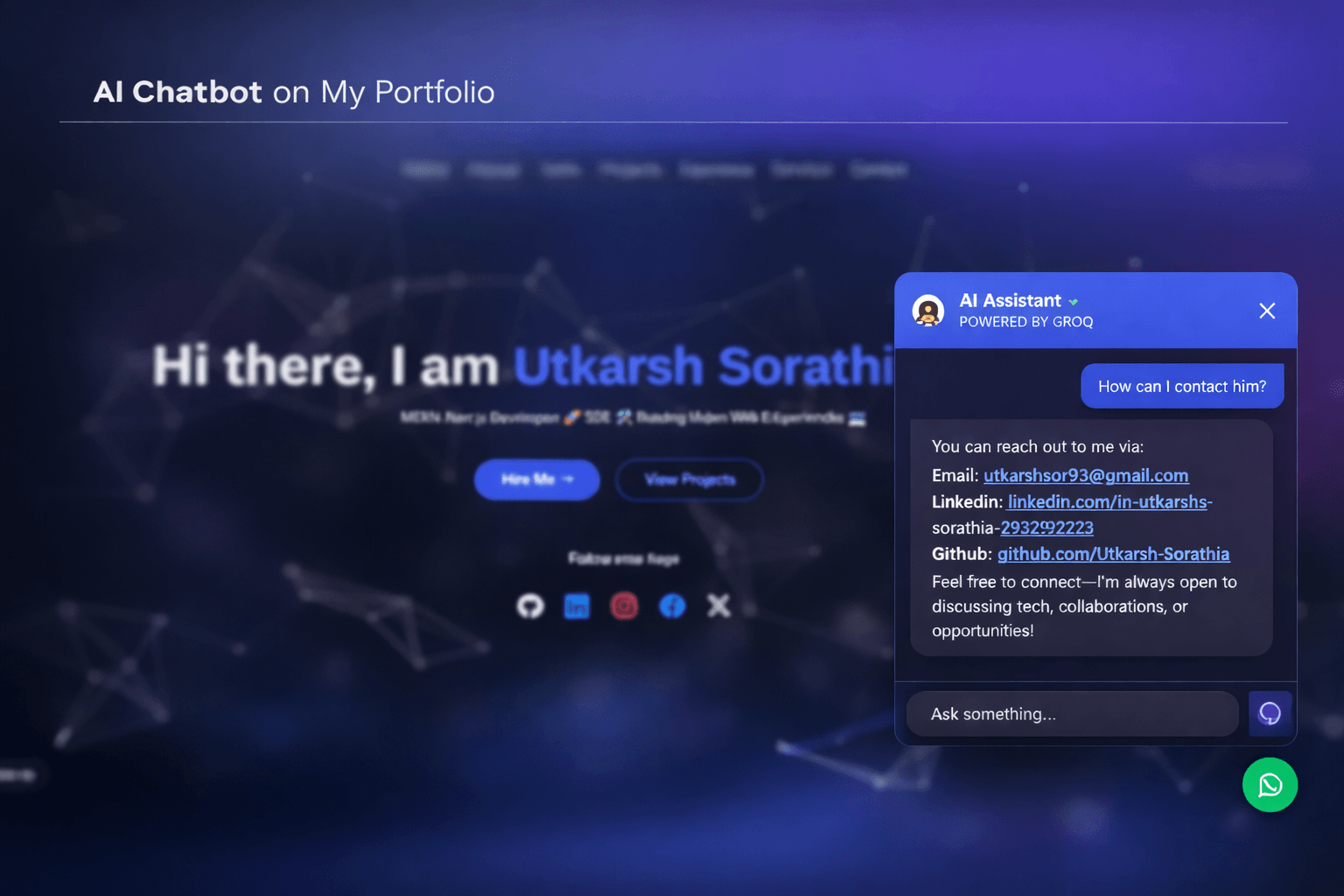
When I decided to add an AI chatbot to my portfolio, I didn’t want a basic plug-and-play widget.
I wanted something that felt fast, personal, and intelligent — but most importantly, something that would never break when someone visited my site.
A portfolio is often the first impression. If a chatbot fails, throws errors, or responds slowly, it does more harm than good. So I treated this chatbot like a real product feature, not just a gimmick.
This blog shares how I approached the architecture, reliability, and user experience behind building a custom AI chatbot for my Next.js portfolio.
The Goal
My objective was simple:
Create a chatbot that can answer questions about me, my projects, and my blog content — while feeling instant, natural, and always available.
It needed to:
• Respond in real-time
• Use up-to-date portfolio content
• Handle traffic spikes gracefully
• Avoid common API failures
• Feel friendly and guided to users
In short — a production-grade experience inside a personal website.
Choosing the Right Stack
I built the chatbot using a modern, performance-first stack.
Next.js with the App Router gave me full-stack flexibility.
A streaming AI SDK handled real-time conversations smoothly.
Groq provided ultra-fast AI inference, essential for natural chat feel.
Edge deployment ensured instant responses worldwide.
Sanity CMS powered my blog content.
Tailwind CSS and Framer Motion made the interface clean and animated.
Every part of the stack was chosen to optimize speed, reliability, and user experience.
Why Speed Matters in Chat UX
Chat interfaces are extremely sensitive to delay.
Even a short pause feels broken.
By using high-speed AI inference and edge runtime deployment, the chatbot responds immediately and streams answers naturally. The result is a conversation that feels fluid, modern, and responsive — not like waiting for a server to think.
Making the Chatbot “Unbreakable”
One of the biggest challenges with AI APIs — especially free or limited tiers — is hitting rate limits or temporary downtime.
A single-model chatbot will occasionally fail.
I didn’t want that happening on my portfolio.
So I designed a multi-model fallback system.
Instead of relying on one AI model, the system automatically switches to alternative models if the first choice fails. This happens silently in the background. Visitors never see an error message. They simply get their answer.
This reliability layer turns a fragile AI feature into a stable, always-available experience.
Giving the Chatbot Real Knowledge
A generic chatbot doesn’t know anything about you unless you teach it.
To solve this, I feed the chatbot structured information about:
• My skills and tech stack
• My projects and experience
• My education
• My latest blog posts pulled live from my CMS
This allows visitors to ask natural questions like:
“What projects have you built?”
“What technologies do you use?”
“What are your latest blogs about?”
And receive accurate, up-to-date answers every time.
All without heavy databases or complex AI pipelines.
Defining Personality Through Prompt Design
I wanted the chatbot to feel like a helpful assistant, not a robotic FAQ machine.
So I gave it clear behavioral instructions:
• It knows it represents me
• It answers professionally and concisely
• It avoids unnecessary technical jargon
• It keeps responses friendly and helpful
This ensures every reply feels consistent and on-brand.
A Smooth Streaming Chat Experience
Messages appear gradually as they are generated, making the conversation feel alive.
Subtle animations keep the interface modern and polished.
Internal AI reasoning is hidden so visitors only see clean final answers.
The goal was simple:
Make the chat feel like a real product — not a demo.
Solving the “Empty Chat” Problem
Opening a blank chat window can feel confusing.
To guide users, the chatbot suggests quick questions like:
Skills?
Projects?
Contact?
This removes friction and helps first-time visitors start the conversation instantly.
The Friendly “Nudge” Feature
Sometimes visitors don’t notice the chat icon.
So I added a small nudge message that appears after a few seconds:
“Ask me about Utkarsh! 🚀”
If ignored, it fades away automatically.
Friendly, helpful, never intrusive.
A small UX touch that increases engagement significantly.
Why This Matters
This chatbot is more than a feature. It demonstrates:
• Full-stack AI integration
• Reliability-focused engineering
• Edge-optimized performance
• Dynamic CMS data injection
• User-first interface design
Instead of only describing my skills, my portfolio shows them in action.
Final Thoughts
Adding an AI chatbot transformed my portfolio from a static website into an interactive experience.
Visitors don’t just scroll.
They ask questions.
They explore.
They engage.
And behind the scenes, everything is designed to be fast, stable, and always available.
In the modern web, websites won’t just display content.
They’ll converse.
And now — mine does too.
Recommended Posts
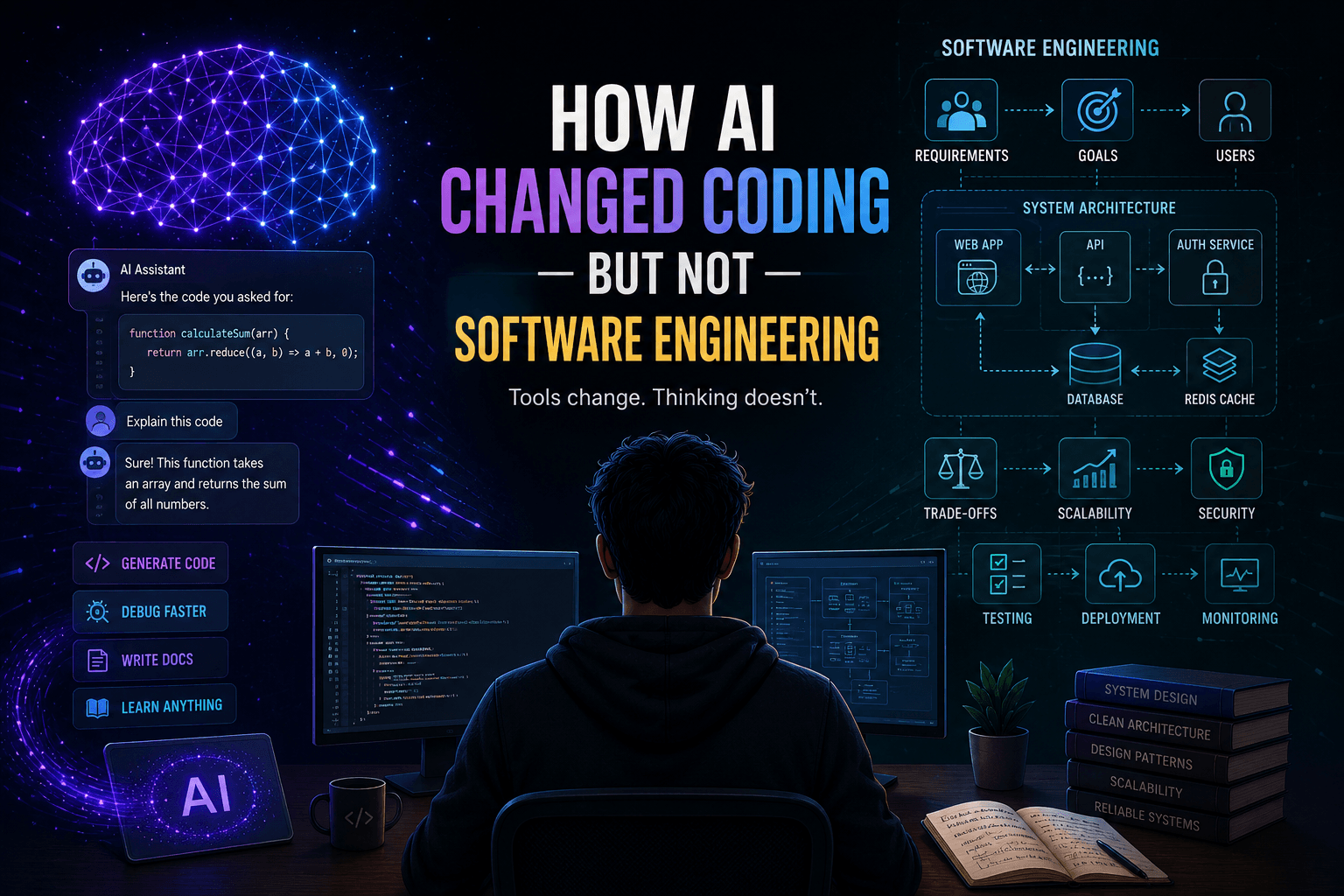
How AI Changed Coding — But Not Software Engineering 🤖💻
Click to read the full article and explore more insights into modern development...
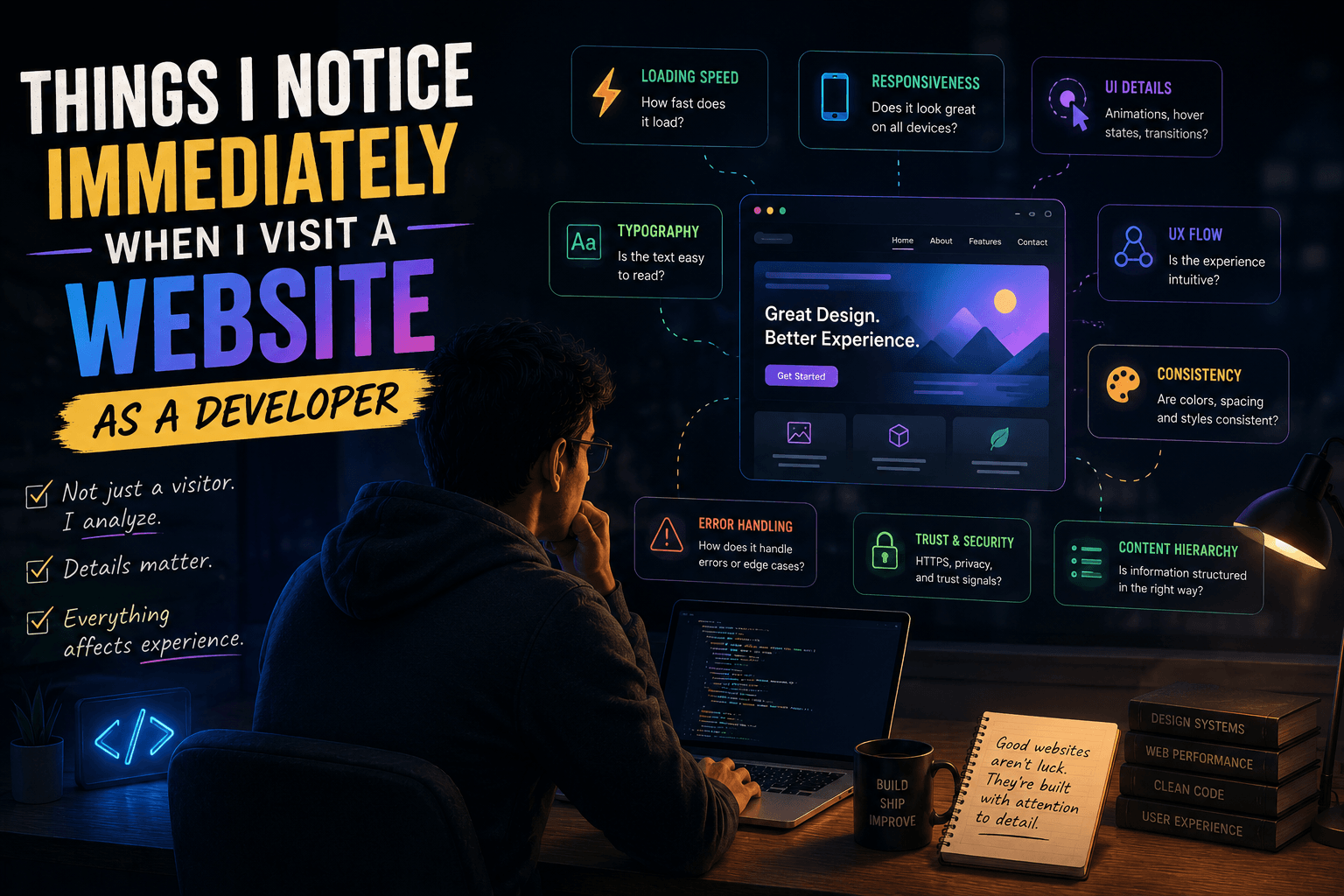
Things I Notice Immediately When I Visit a Website as a Developer 👀💻
Click to read the full article and explore more insights into modern development...
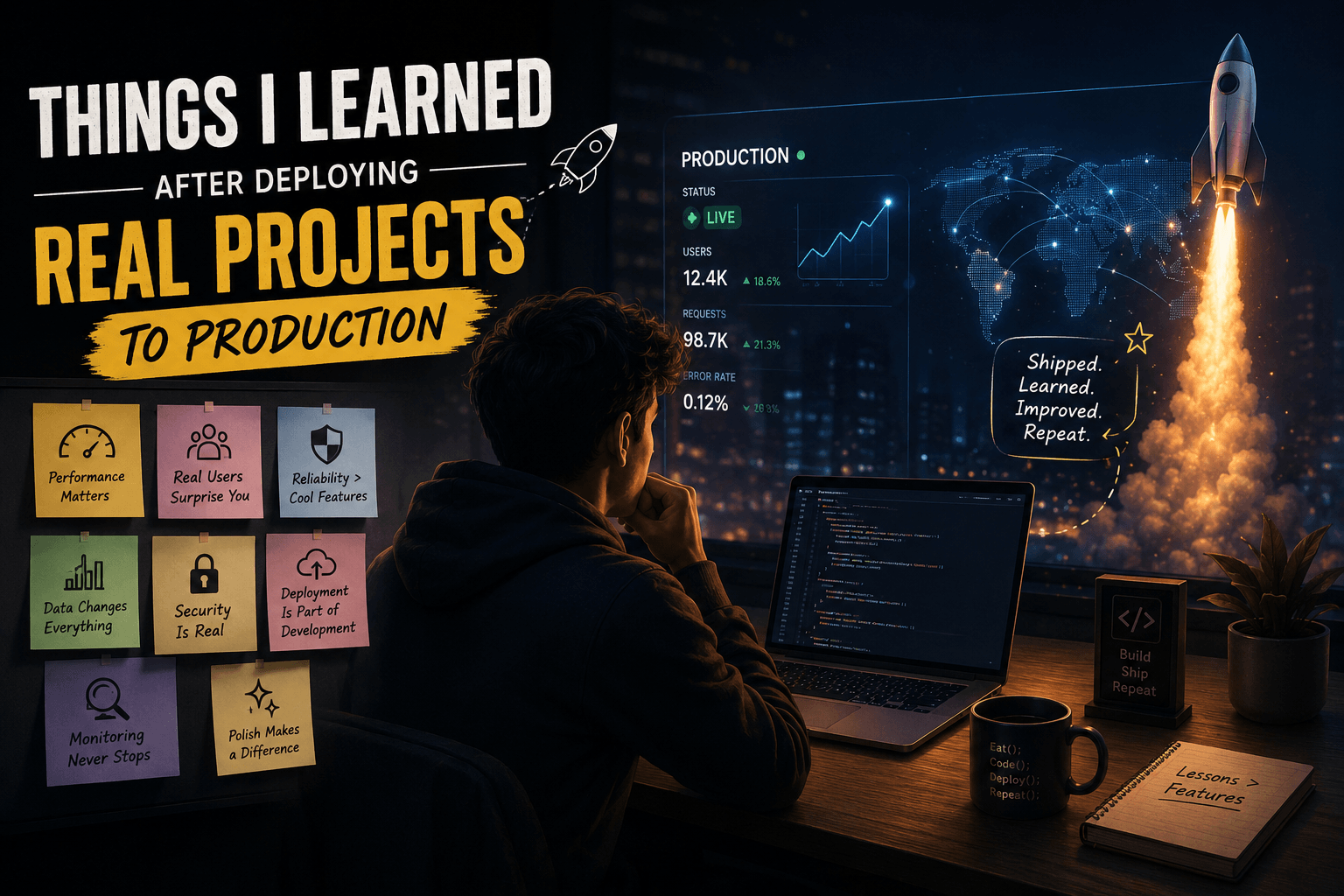
Things I Learned After Deploying Real Projects to Production 🚀
Click to read the full article and explore more insights into modern development...