
How AI Has Changed My Daily Workflow as a Developer 🤖💻

Artificial Intelligence is no longer just a buzzword in development.
Over the past couple of years, AI has quietly become part of my daily workflow as a developer. Not as a replacement, but as a powerful assistant that helps me think faster, debug smarter, and experiment more freely.
Using AI while building real projects has changed how I approach coding, learning, and problem solving.
Here’s how AI has reshaped my daily workflow.
AI as a Thinking Partner
One of the biggest shifts for me is how AI acts as a thinking partner.
When I’m designing a feature or solving a tricky problem, I often use AI to explore different approaches. Sometimes it helps me see possibilities I hadn’t considered.
Instead of replacing my thinking, AI often expands it.
It’s like having a second brain that helps brainstorm ideas quickly.
Faster Debugging and Problem Solving
Debugging used to take hours of searching through documentation, forums, and Stack Overflow.
Now AI helps accelerate that process.
I can quickly analyze:
- error messages
- unexpected behaviors
- edge cases
But the key is that I still verify and understand the solution rather than blindly applying it.
AI helps shorten the investigation phase, but the responsibility of understanding the fix still belongs to me.
Learning New Technologies Faster
One of my favorite benefits is how AI helps speed up learning.
When exploring new frameworks or tools, I can:
- ask quick conceptual questions
- request explanations
- explore best practices
- understand unfamiliar patterns
Instead of spending hours searching through scattered resources, I can learn interactively.
It feels closer to having a mentor available anytime.
Improving Productivity
AI has helped remove small friction points from development.
Tasks that once felt tedious now move faster, such as:
- structuring components
- drafting documentation
- brainstorming feature ideas
- exploring different implementation approaches
This allows me to focus more energy on the creative and architectural parts of development.
Writing and Documentation
AI has also improved how I handle writing tasks.
Whether it's documentation, blog writing, or explaining technical concepts, AI helps organize ideas and structure content more clearly.
But I always review and adjust everything to match my own voice and understanding.
AI assists with clarity, but authenticity still comes from the developer.
Where AI Still Falls Short
Despite its strengths, AI is not perfect.
It can sometimes:
- produce incorrect solutions
- misunderstand context
- suggest overly complex approaches
Because of this, critical thinking remains essential.
AI should support decisions, not replace them.
The Real Skill Is Knowing How to Use AI
The biggest change in development isn’t just AI itself.
It’s learning how to work effectively with AI.
This means:
- asking better questions
- validating answers
- refining solutions
- combining AI suggestions with real experience
Developers who treat AI as a collaborative tool will benefit the most.
My Personal Rule
My rule when using AI is simple:
AI can assist the process,
but understanding must always stay with me.
If I cannot explain the solution clearly, I know I need to dig deeper.
Final Thoughts
AI has become a natural part of my development workflow.
It helps me move faster, explore ideas, and solve problems more efficiently.
But the role of the developer remains the same: to think critically, design systems carefully, and build solutions responsibly.
AI doesn’t replace developers.
It amplifies the developers who know how to use it well.
Recommended Posts
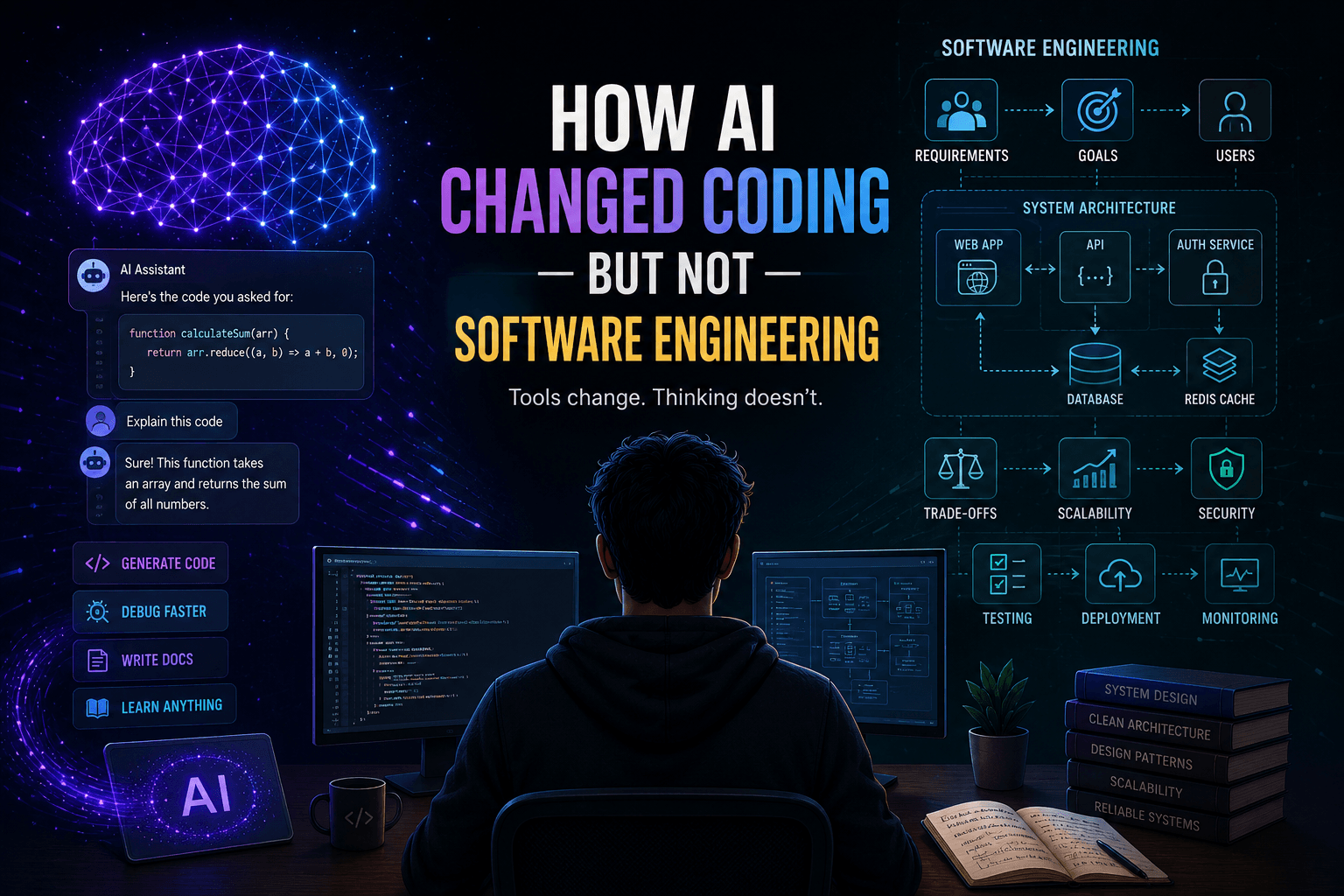
How AI Changed Coding — But Not Software Engineering 🤖💻
Click to read the full article and explore more insights into modern development...

Things I Notice Immediately When I Visit a Website as a Developer 👀💻
Click to read the full article and explore more insights into modern development...

Things I Learned After Deploying Real Projects to Production 🚀
Click to read the full article and explore more insights into modern development...